How to Play Gravity Maze & Core Mechanics
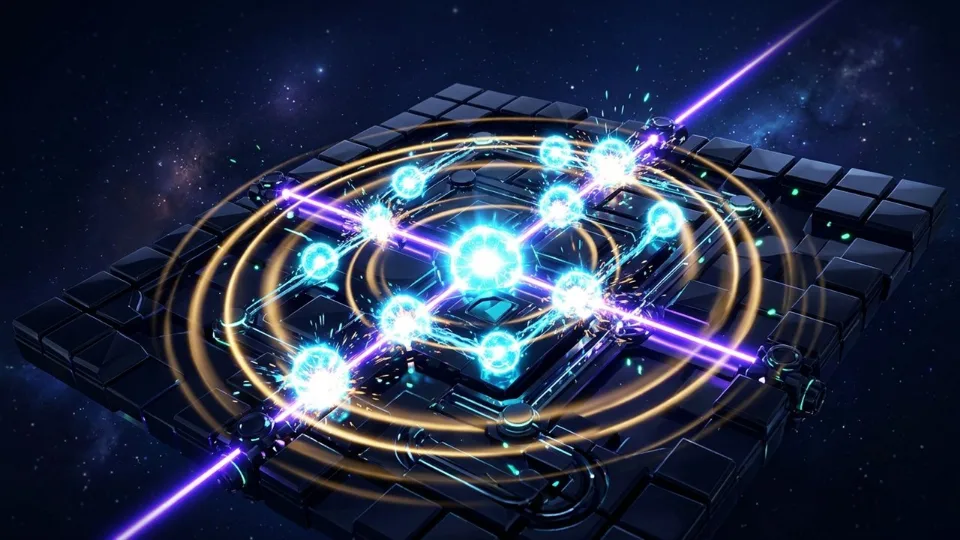
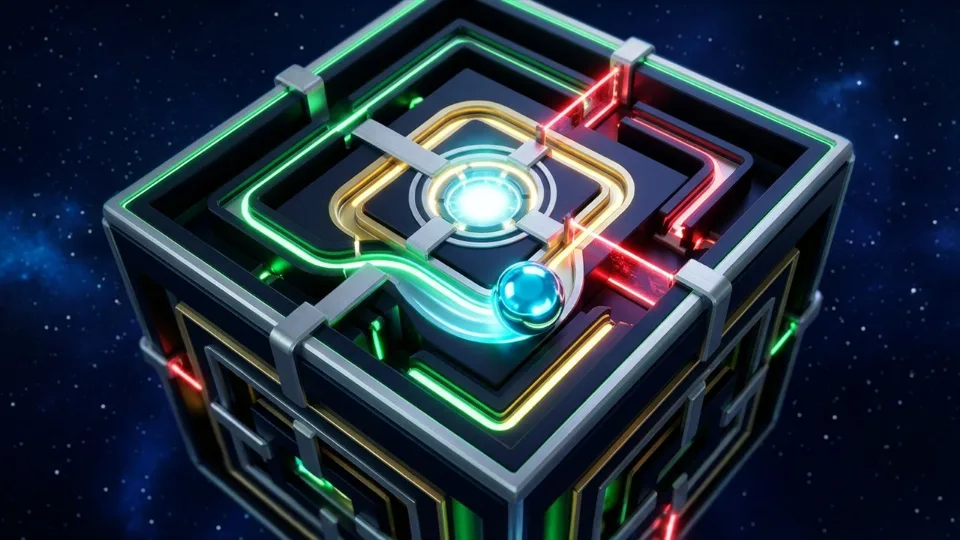
Shift gravity in 4 directions to launch your Plasma Orb through 100% solvable labyrinth stages with 45° prisms, sticky pads, switches, and warp portals. Designed natively for modern HTML5 Canvas and WebGL browsers, Gravity Maze places you straight into spatial pathing & state-space logic puzzle gameplay where planning multi-step state transitions, gravity slides, and buffer-slot transfers without painting yourself into deadlocked configurations. Every visual cue, hitbox boundary, and input response is tuned for 60 frames per second so outcomes depend strictly on player timing and spatial awareness rather than randomness.
Preserving at least one reversible buffer lane or empty container guarantees freedom to reorganize buried elements without restarting. Whether you are pushing past the opening 800 pts benchmark within a 45-second par window or grinding deep into Tier-3+ endless scaling, every run tracks multiplier efficiency alongside your raw score.
On desktop PCs, laptops, and Chromebooks, Gravity Maze maps cleanly to WASD / Arrow Keys or Swipe (Z Undo, R Restart), while smartphones and tablets automatically activate direct touch tap, drag, swipe, or adaptive on-screen controls. Gravity Maze is suitable for all ages, offering pure skill-driven puzzle progression with zero lootboxes, zero energy timers, and zero paid microtransactions.
Gravity Maze Controls & Technical Specifications
| Specification | Verified Value |
|---|---|
| Game Title | Gravity Maze |
| Genre & Archetype | Puzzle · Spatial Pathing & State-Space Logic Puzzle |
| Desktop Controls | WASD / Arrow Keys or Swipe (Z Undo, R Restart) |
| Mobile & Touch Controls | Direct Touch Tap, Drag, Swipe, or Adaptive On-Screen Controls |
| Primary Objective | Beat the Endless Highscore & Multiplier Optimization |
| Play Modes | Endless Score-Attack + Progressive Milestone Stages |
| Engine & Frame Rate | HTML5 / WebGL · Target 60 FPS (Click-to-Play Stage) |
| Save & Leaderboard | Isolated Per-Game Key (teko_best_gravity-maze) + Optional EU Cloud Sync |
| Age Guidance | All Ages · Family-Friendly |
| Price & Installation | EUR 0.00 (100% Free · 0 MB Download) |
Pro Tips & High-Score Strategies for Gravity Maze
Protect Your Empty Buffer Slot Until Uncovering a Match
Never fill your last open tube, lane, or corner (WASD / Arrow Keys or Swipe (Z Undo, R Restart)) unless that exact move immediately completes or unblocks a full stack underneath.
Prioritize Uncovering Colors or Paths With Multiple Waiting Pairs
Scan which buried element appears most frequently near the top of other stacks—freeing that single blocker triggers 3–4 consecutive legal moves.
Visualize Gravity & Wall Stops Before Sliding
In sliding and spatial mazes, trace where momentum stops before pressing a direction so you spot mid-board catch blocks you might otherwise miss.
Step Back One Move With Undo Instead of Full Restarts
Most deadlocks happen just 1–2 moves prior; using Undo preserves 90% of your solved progress while letting you test the alternate branch.
Frequently Asked Questions About Gravity Maze
How do you play Gravity Maze on desktop and mobile?
Click the “Play Gravity Maze Now” button on the stage to launch instantly in your browser. Use WASD / Arrow Keys or Swipe (Z Undo, R Restart). On smartphones and tablets, touch gestures and on-screen inputs activate automatically with fullscreen support.
Is Gravity Maze completely free and safe to play without downloading?
Yes. Gravity Maze runs 100% free (EUR 0.00) inside your browser’s secure HTML5/WebGL sandbox on TekoGames—zero .exe or app downloads, zero mandatory sign-up, and zero pay-to-win microtransactions.
How are highscores and personal records saved in Gravity Maze?
Your personal best is saved automatically on your device under the isolated key teko_best_gravity-maze so scores never mix between games. Signing in optionally lets you submit verified records to the dedicated Gravity Maze global leaderboard.