
How to Play Color Rush & Core Mechanics
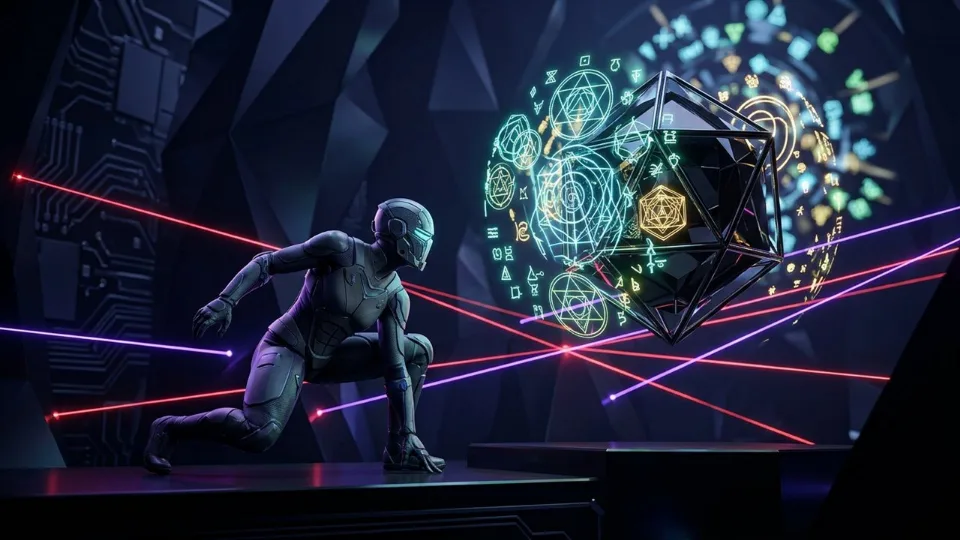
Sprint at breakneck speed and switch colors at the split-second before neon laser gates for massive Perfect Phase combos! Designed natively for modern HTML5 Canvas and WebGL browsers, Color Rush places you straight into split-second clutch timing & balance skill gameplay where judging exact release rings, sweet-spot drop alignments, and last-millisecond gravity clutches where composure separates 1x clears from 2x–8x streaks. Every visual cue, hitbox boundary, and input response is tuned for 60 frames per second so outcomes depend strictly on player timing and spatial awareness rather than randomness.
Locking your eyes on the fixed strike ring or stack edge—rather than tracking the moving object—eliminates motion-blur timing drift. Whether you are pushing past the opening 800 pts benchmark within a 45-second par window or grinding deep into Tier-3+ endless scaling, every run tracks multiplier efficiency alongside your raw score.
On desktop PCs, laptops, and Chromebooks, Color Rush maps cleanly to Tap / Space to switch color (or 1–4 color pads), while smartphones and tablets automatically activate direct touch tap, drag, swipe, or adaptive on-screen controls. Color Rush is suitable for all ages, offering pure skill-driven skill progression with zero lootboxes, zero energy timers, and zero paid microtransactions.
Color Rush Controls & Technical Specifications
| Specification | Verified Value |
|---|---|
| Game Title | Color Rush |
| Genre & Archetype | Skill · Split-Second Clutch Timing & Balance Skill |
| Desktop Controls | Tap / Space to switch color (or 1–4 color pads) |
| Mobile & Touch Controls | Direct Touch Tap, Drag, Swipe, or Adaptive On-Screen Controls |
| Primary Objective | Beat the Endless Highscore & Multiplier Optimization |
| Play Modes | Endless Score-Attack + Progressive Milestone Stages |
| Engine & Frame Rate | HTML5 / WebGL · Target 60 FPS (Click-to-Play Stage) |
| Save & Leaderboard | Isolated Per-Game Key (teko_best_color-rush) + Optional EU Cloud Sync |
| Age Guidance | All Ages · Family-Friendly |
| Price & Installation | EUR 0.00 (100% Free · 0 MB Download) |
Pro Tips & High-Score Strategies for Color Rush
Fix Your Gaze on the Alignment Edge or Strike Zone
Chasing a fast-moving block or enemy with your eyes causes early taps. Stare directly at the contact line and trigger (Tap / Space to switch color (or 1–4 color pads)) the instant edges overlap.
Farm 2x Clutch & Perfect Hits Early, Play Safe Late
Collect sweet-spot multipliers aggressively during opening speeds when windows are generous, then prioritize clean center survival once velocity peaks.
Establish a Steady Internal Tempo Between Drops or Flips
Most timing stages follow harmonic oscillation speeds—counting a crisp rhythmic cadence keeps your hands steady under leaderboard pressure.
Use Direct Keydown or Mouse Click on Desktop
Pressing Spacebar or left-click fires on the exact contact frame, giving razor-sharp consistency across long highscore streaks.
Frequently Asked Questions About Color Rush
How do you play Color Rush on desktop and mobile?
Click the “Play Color Rush Now” button on the stage to launch instantly in your browser. Use Tap / Space to switch color (or 1–4 color pads). On smartphones and tablets, touch gestures and on-screen inputs activate automatically with fullscreen support.
Is Color Rush completely free and safe to play without downloading?
Yes. Color Rush runs 100% free (EUR 0.00) inside your browser’s secure HTML5/WebGL sandbox on TekoGames—zero .exe or app downloads, zero mandatory sign-up, and zero pay-to-win microtransactions.
How are highscores and personal records saved in Color Rush?
Your personal best is saved automatically on your device under the isolated key teko_best_color-rush so scores never mix between games. Signing in optionally lets you submit verified records to the dedicated Color Rush global leaderboard.